Quick to start
Songs come in pieces of about 10 seconds, and playback starts with the first one. A song you've played before starts in about 24 ms.
It downloads songs in small pieces and keeps them on your disk, so a song starts playing quickly and you can jump to any point in it. Songs you've already played start right away. You can search and play without an account.
AMP runs in its own window, with a small backend on your computer doing the downloading.
Songs come in pieces of about 10 seconds, and playback starts with the first one. A song you've played before starts in about 24 ms.
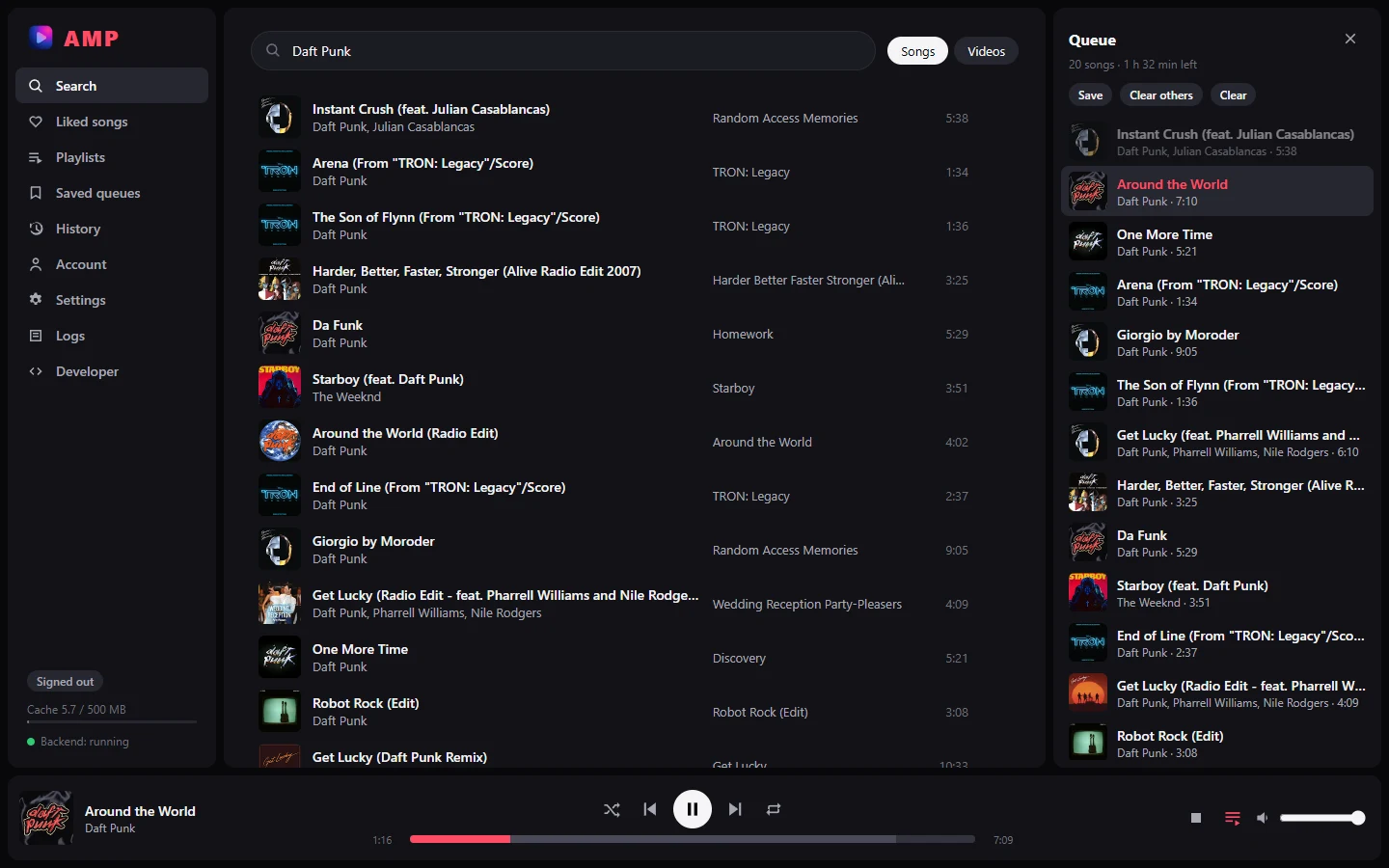
Search songs, open albums, and play anything that's on YouTube Music, including covers, live versions and remixes you won't find elsewhere.
Play next, drag to reorder, shuffle, repeat one or all, save a queue for later. It's still there when you reopen the app.
Sign in with YouTube to get your liked songs and playlists, and like songs from AMP. Likes go back to your account. No account needed just to search and play.
Everything you played, by day, with how much of each song you listened to.
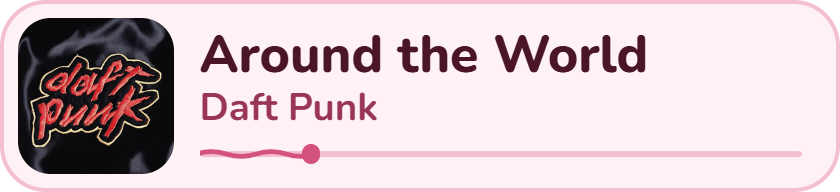
If you stream, you can show the current song in OBS: cover, title, artist and progress.
Uses the loudness YouTube measures for each song, so a quiet track and a loud one play at about the same level.
A Developer page in the app and a small launcher, to see what the backend is doing and read its logs.
AMP 1.0.
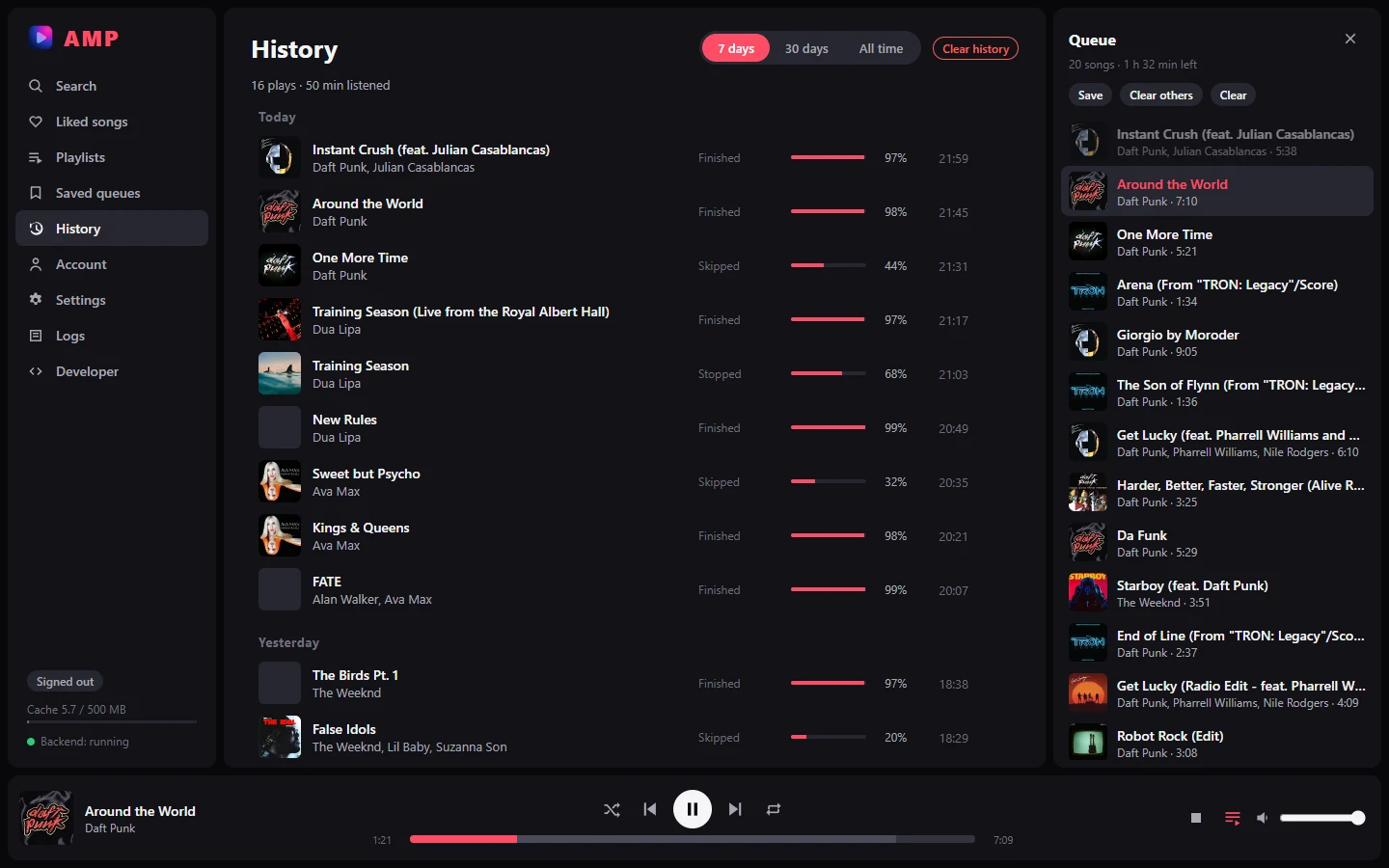
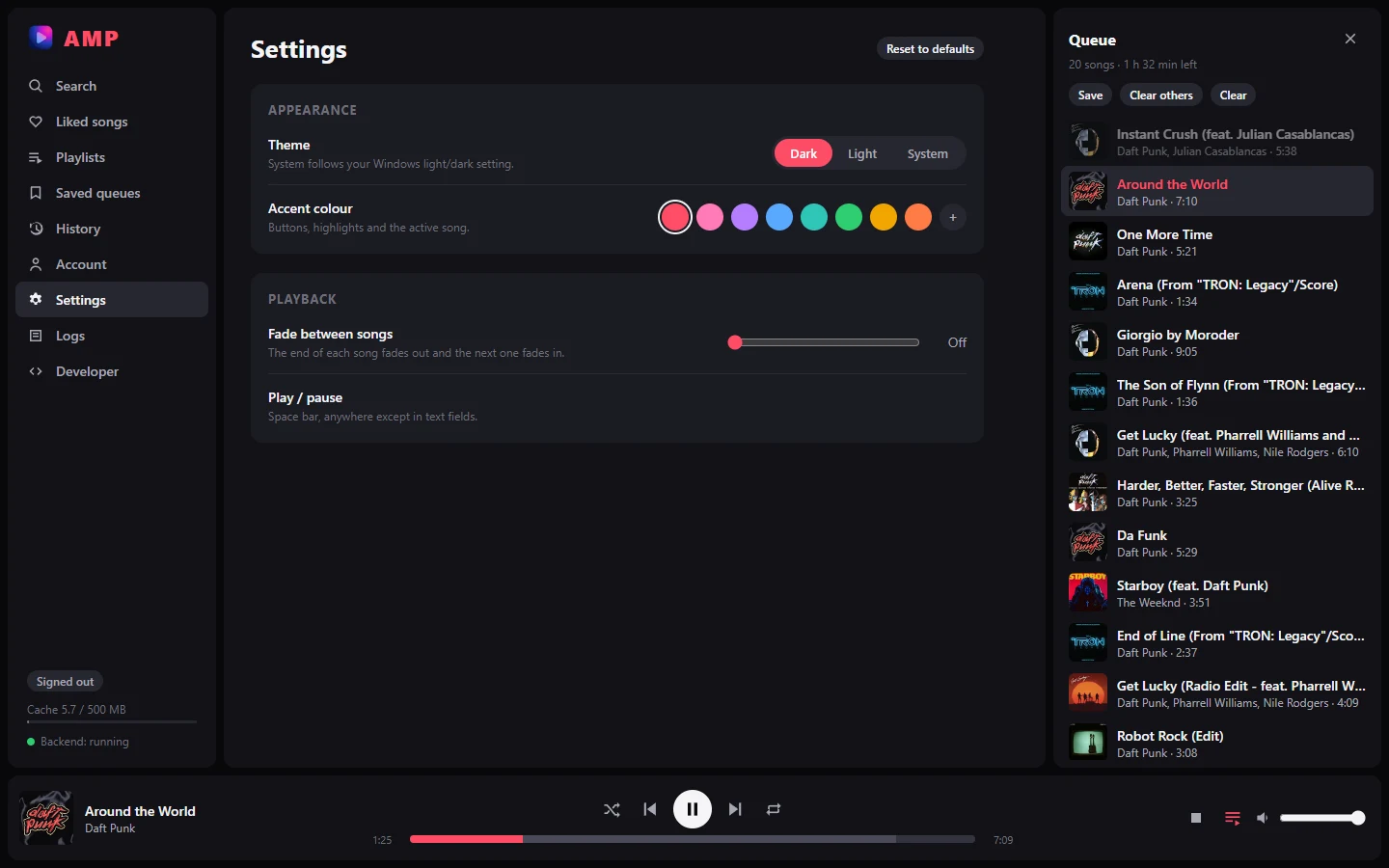
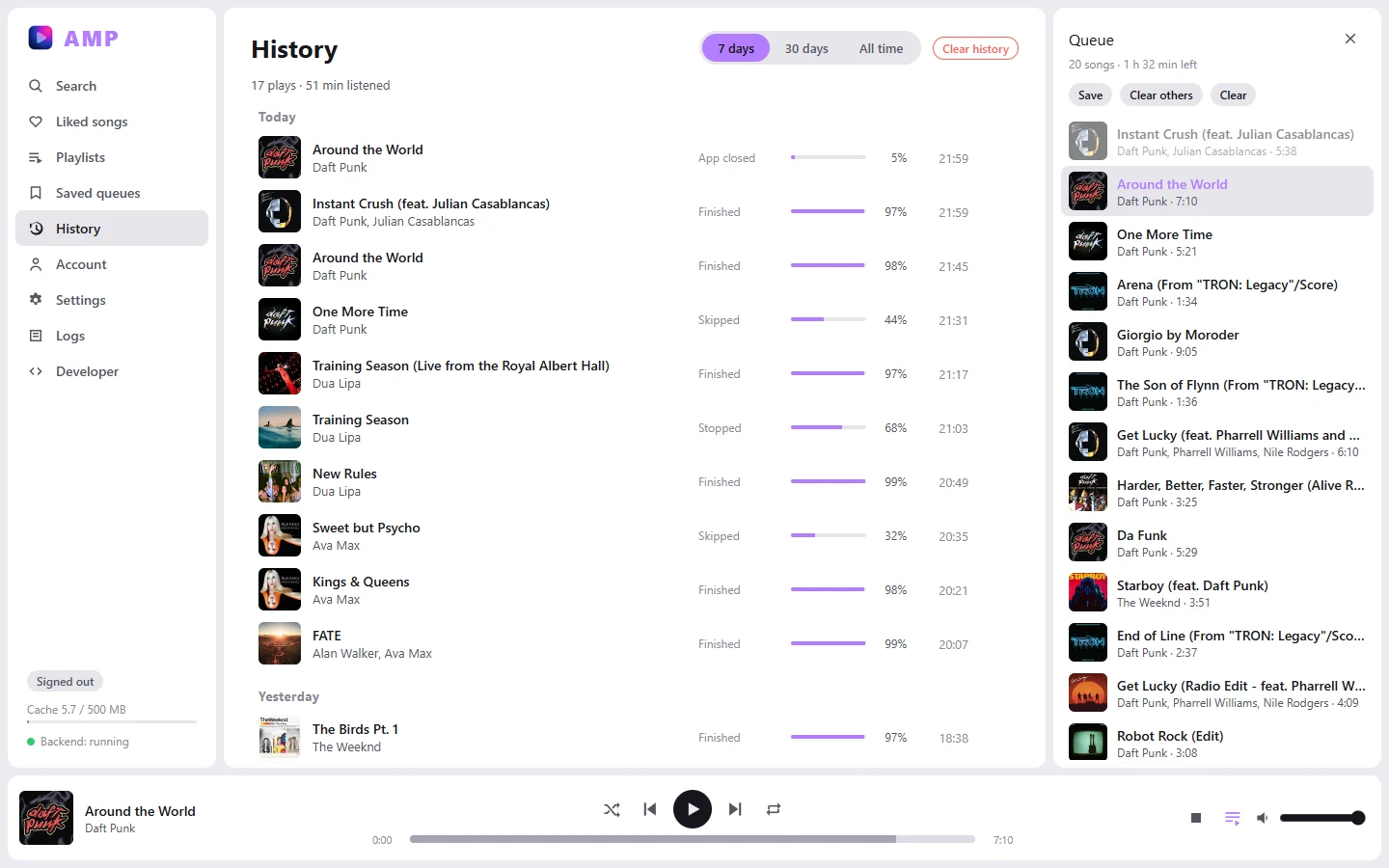
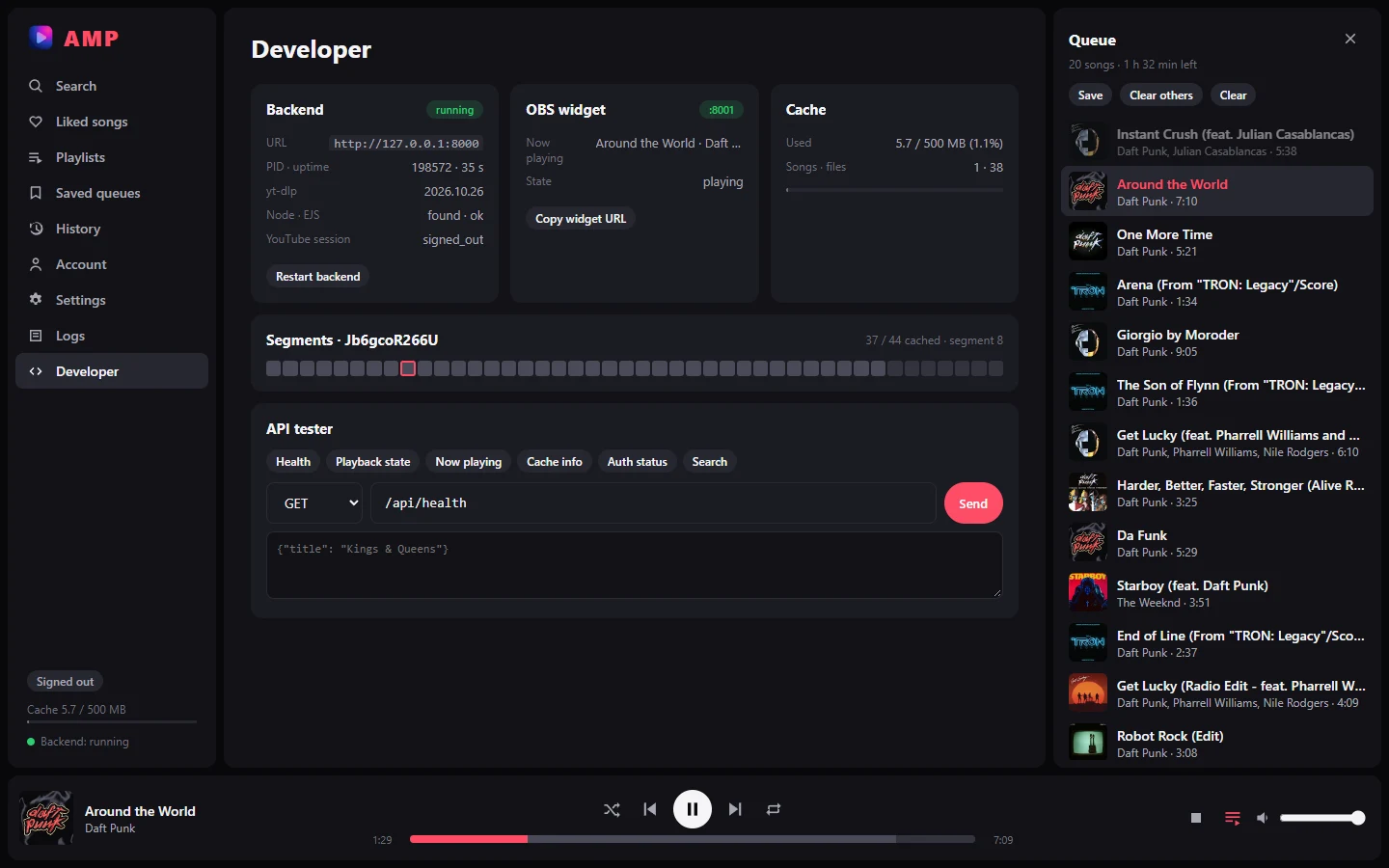
Search results, the queue panel and the player bar with its segment map.
to start a song you've played before
to start a new song
accounts needed
of RAM for the whole app, window and backend together
Measured on one computer. Memory: AMP 1.0 on Linux while streaming a song (about 150 MB for the page, 140 MB for the backend, the rest for the window). How long a new song takes mostly depends on YouTube.
The window is a Tauri app. A small Python program runs alongside it and stops when you close AMP.
You search YouTube Music, or open your liked songs, playlists or a saved queue.
The backend finds the song's audio and downloads the pieces around where you're listening first.
Pieces stay on disk (up to 500 MB by default, oldest removed first), so playing a song again is instant.
Add a Browser source in OBS pointing at AMP's widget and it shows the song that's playing:
cover, title, artist and progress. It stops moving when you pause. Set its size with
?w= and ?h=.
Download a build for Windows, macOS or Linux, or build it from the source.
Install & launch
Downloads, running from source, and building the app.
Using the app
Search, the queue, the player bar, history, settings and the Developer page.
OBS widget
Show the current song on your stream.
How it's built
Architecture, the streaming pipeline, the backend API and the Tauri shell.
| App | Tauri desktop window (React + TypeScript) |
| Backend | Local FastAPI server (Python), started and stopped by the app |
| Audio | AAC 128 kbps (YouTube itag 140), cut into ~10 s segments |
| Cache | Segments on disk, 500 MB by default, least recently played songs evicted first |
| Memory | About half the RAM of the official YouTube Music web app while playing (≈500 MB vs ≈940 MB, measured on Windows) |
| Account | Optional: YouTube cookies, used only for liked songs and playlists |
| Platforms | Windows (tested), Linux and macOS (built by CI, not tested by hand) |
AMP is free software under the Mozilla Public License 2.0, with no warranty. It isn't affiliated with YouTube or Google. It gets songs the same way yt-dlp does, which YouTube's Terms of Service don't allow, so using it is your call. When YouTube changes something, playback can stop working until yt-dlp is updated.